
Click to generate a barcode to scan later
In the file capture option panel, you get an option to generate a barcode using which you scan the documents in a batch at a later time.
Watch the video to know how to generate a barcode coversheet.
- Click on the option to generate a barcode as shown below:
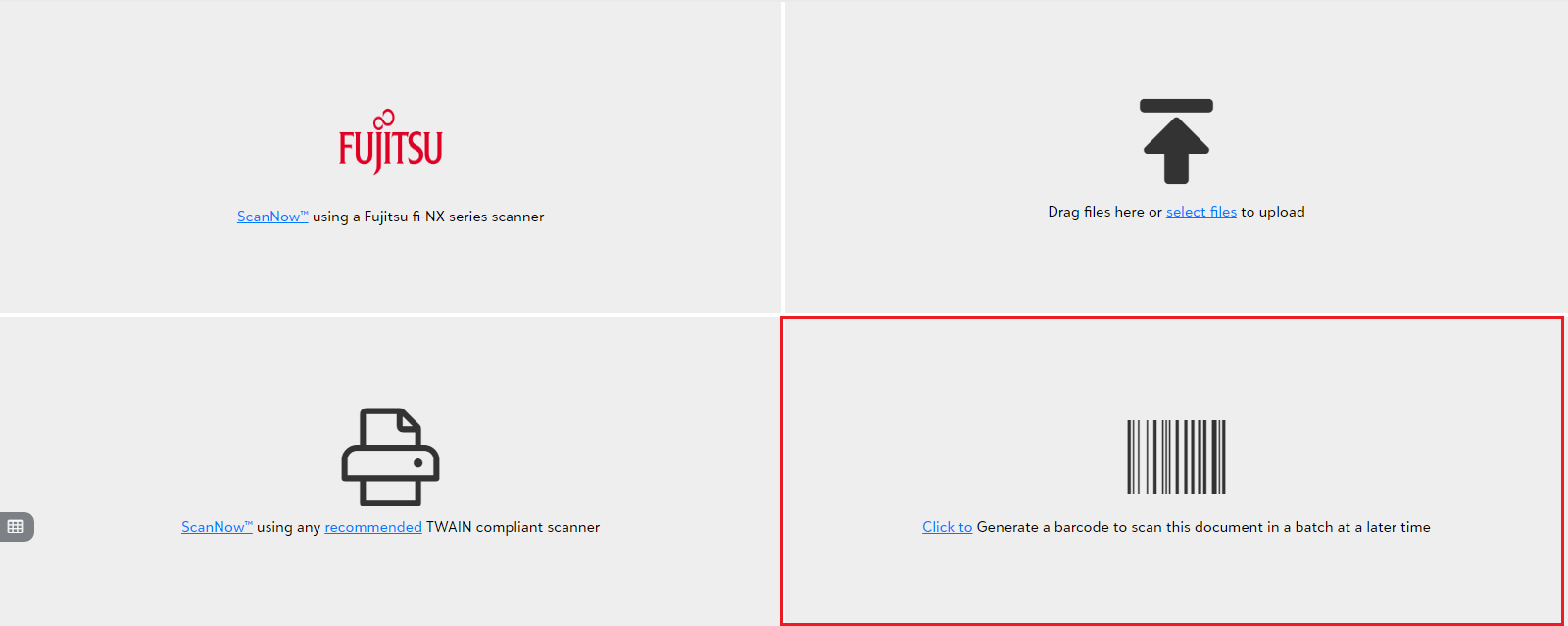
The document created with a barcode will be available in the unsubmitted items. You can use the document with generated barcode as the separator to scan the documents in a batch at a later time.
Note: Once you acquire the item, you can validate and save the document in the integrated app record. Click here to learn in detail about validating and saving the documents.